

Find us on Instagram


Join our subscribers list to get the latest news, updates and special offers.
AI Video Booths: Turning Guest Footage Into Branded Short-Form Content On Site
August 29, 2026

AI Video Booths: Turning Guest Footage Into Branded Short-Form Content On Site
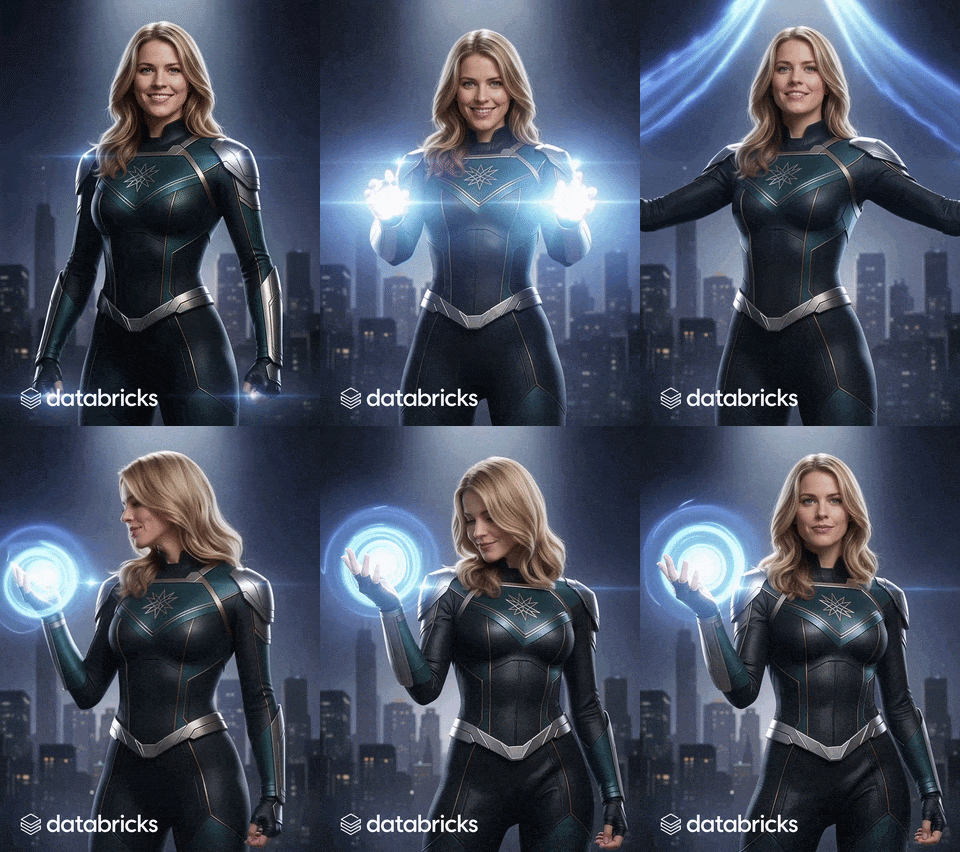
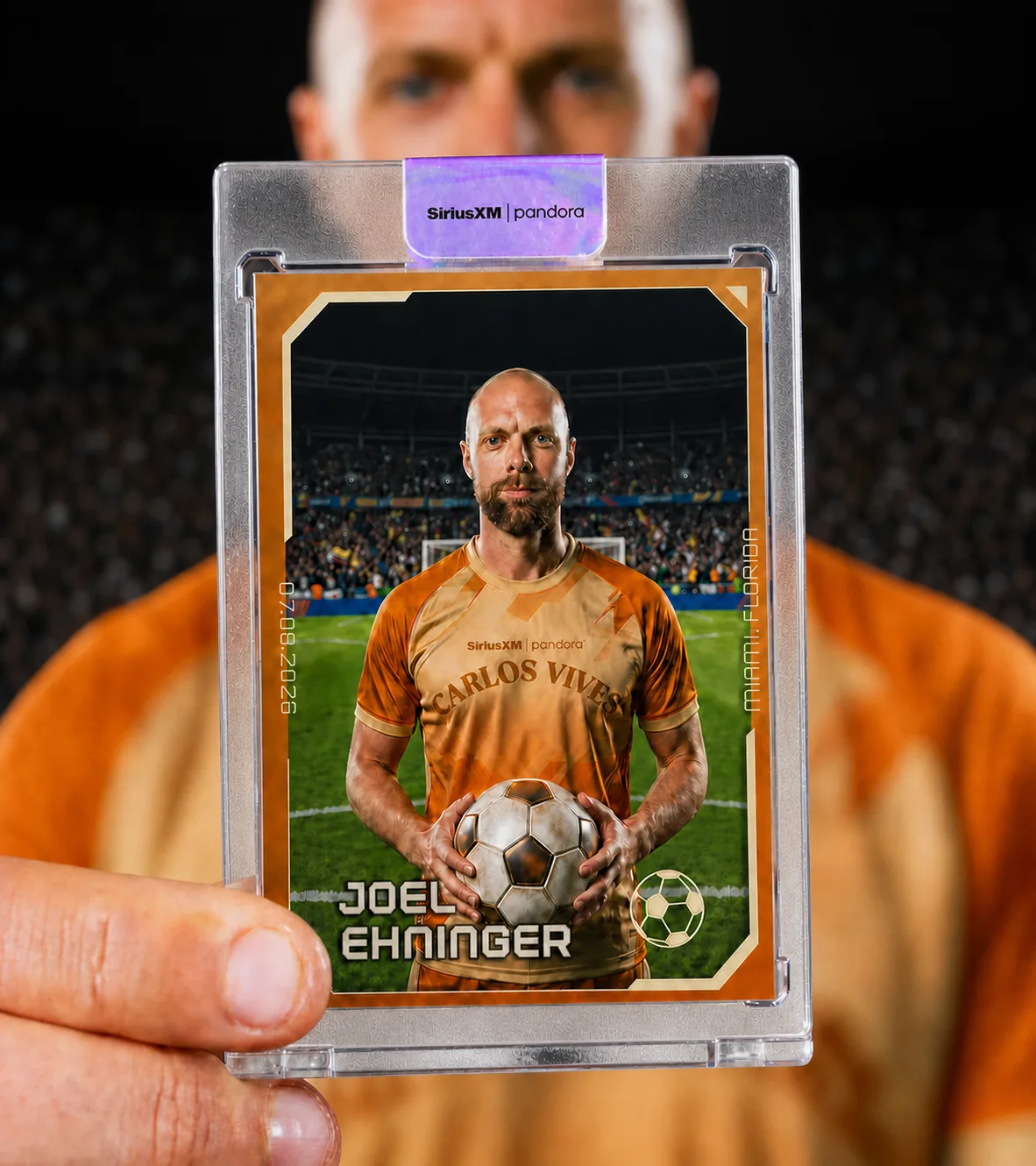
An AI video booth captures a few seconds of a guest on camera and uses generative AI to turn that footage into a short, stylized, fully branded video clip — rendered on site and delivered by text before they've left the activation. The output isn't a photo with a filter on it. It's a moving, personalized piece of content built at the aspect ratio and pacing of the platform the guest is actually going to post it to.
How it works for the guest
From the guest's side, the whole thing takes seconds:
- Step into frame and follow the on-screen prompt — capture is a few seconds, not a production.
- Pick the style the clip renders in, from a curated set built specifically for the brand.
- The system generates a short stylized video with branding applied automatically.
- The finished clip arrives by text or email, ready to post.
Rendering happens in the background, so nobody stands around watching a progress bar. That's a deliberate design choice: the throughput problem with generative video is real, and the way to solve it is to decouple the guest's time at the booth from the render time behind it.
Why moving output beats a still on an event floor
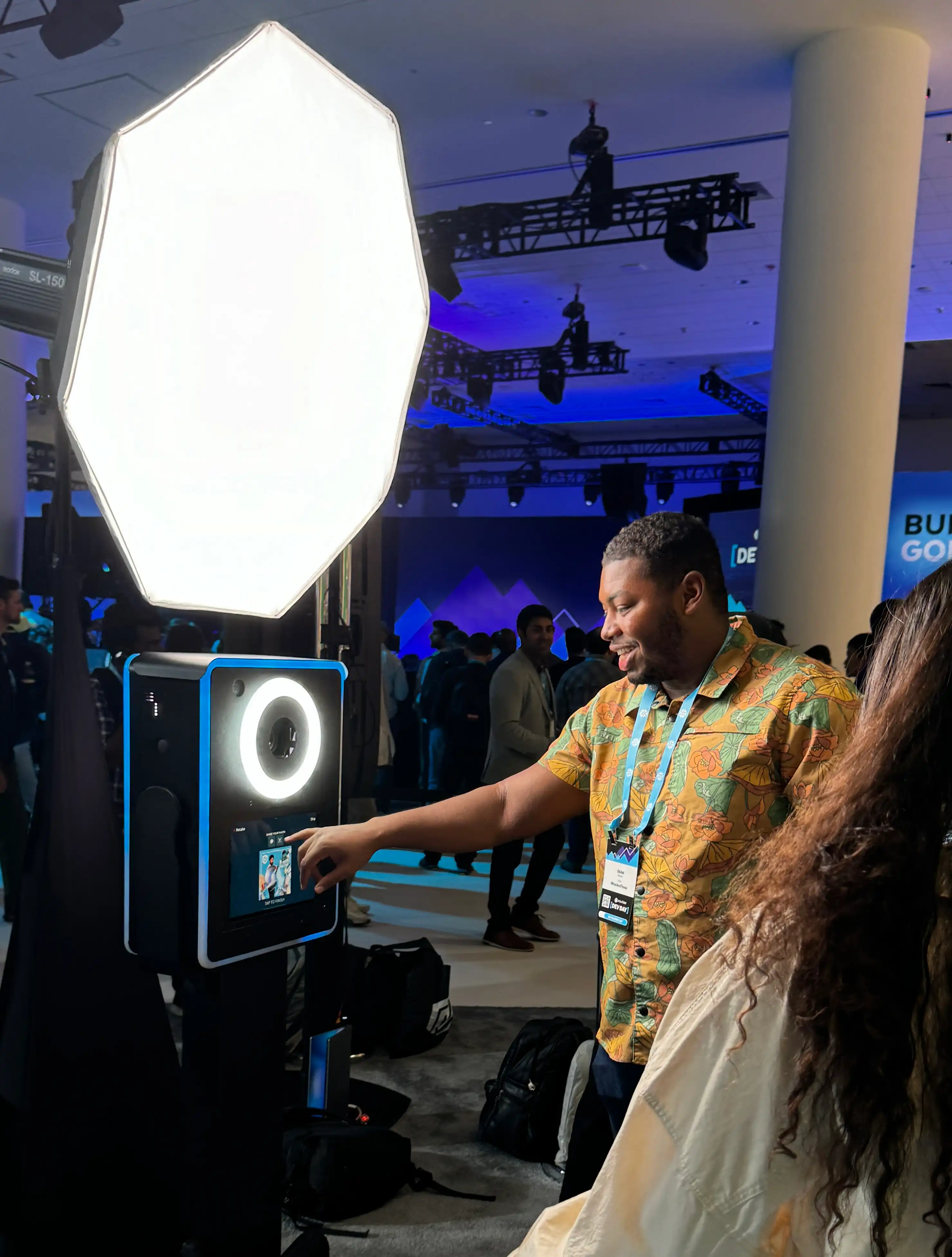
Walk a trade show floor in 2026 and you'll find AI still-image booths at multiple stands. The still-image filter has become the baseline — which means it no longer differentiates anyone running it. Generative video is a meaningfully harder problem to solve well at event speed, and that difficulty is precisely what makes it stand out when it's done properly.
There's also a behavioral difference. Guests spend more time with a moving, personalized clip than they do with a static photo. They watch it more than once. They show it to someone. And that extra attention at the booth tends to carry through into what they actually post afterward, rather than the photo that gets saved to a camera roll and forgotten. Short vertical video is how people consume content now; a booth that outputs native short-form video is meeting the guest where their feed already is.
What you can actually customize
The value of this format lives almost entirely in the pre-production, because the style options are what separate a branded clip from a generic AI effect:
- Custom motion style developed to match your campaign's visual identity, not pulled from a stock preset library.
- Branded intro and outro frames on every single clip, no exceptions.
- Aspect ratio and pacing tuned to the platform you're targeting.
- Optional lead capture built into the flow, so every clip ties back to a contact record.
- Live gallery wall showing clips as they render, right on the show floor — which turns the render queue itself into an attraction.
That last one is worth dwelling on. A gallery wall of clips rendering in real time gives passers-by a reason to stop before they've committed to standing in a line, and gives guests already in line something to watch. It converts the unavoidable render delay into a draw.
Where the format fits best
- Product launches that need a volume of native social content coming out of the room, not just event photography.
- Trade show booths competing against a floor already saturated with still-image AI activations.
- Brand takeovers and pop-ups where the goal is guest-published reach rather than on-site impressions alone.
- Conferences and summits where lead capture matters as much as the content itself.
- Music and culture events where the audience is already fluent in short-form vertical video.
What to plan for
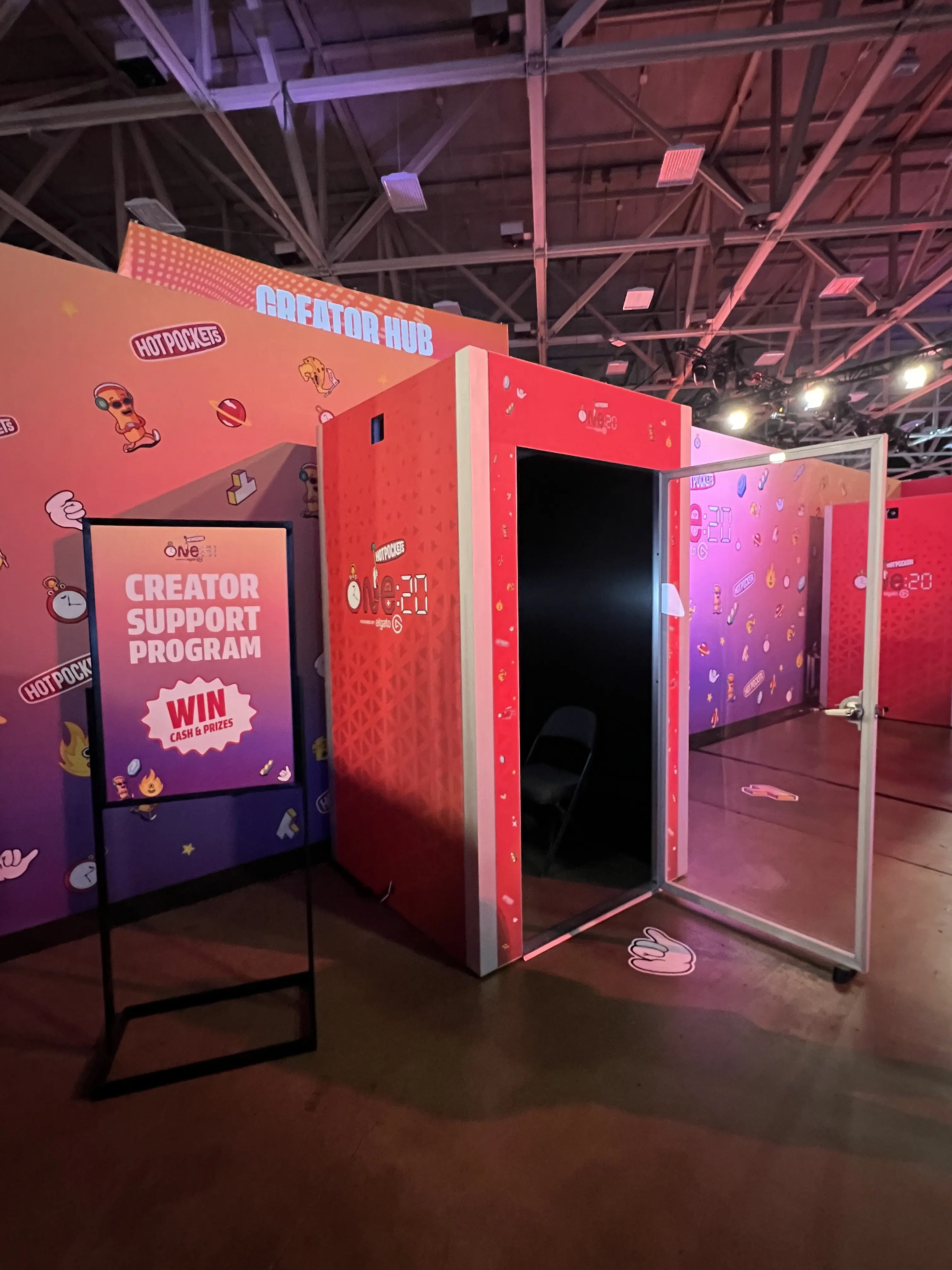
- Footprint: most setups run comfortably in 8ft x 8ft to 10ft x 10ft, and we scale to fit your floor plan.
- Throughput: most guests move through in 20 seconds to 2 minutes depending on format and personalization. We tune render time and station count against your expected volume during pre-production.
- Power: each station needs a dedicated 110V, 15A, 3-prong outlet on its own circuit. Multi-station footprints get coordinated with your venue before load-in.
- Internet: hardwired ethernet or a dedicated WiFi network at 25–30 Mbps up and down. We bring our own hotspot as backup so a weak venue connection doesn't slow delivery.
- Creative lead time: style options, branding, and motion treatment are all built with you ahead of the event. This is the step that determines whether the output looks like your campaign or looks like an AI demo, so start it early.
- Staffing: a member of our technical team is on site for every activation, running the system and supporting your brand ambassador staff.
Common questions
How long does each clip take to render?
It depends on clip length and style complexity. We test and tune this during pre-production so throughput matches your expected guest volume, and rendering runs in the background so guests can keep moving through the booth while the queue renders in the background. Typically guests will receive their rendered video via email or text between 2-10 minutes from the time of capture.
How much creative control do we have over the final clip?
Substantial but subject to natural AI variances. Style options, branding, and motion treatment get built with you before the event, so every clip that goes out is targeted to your brand's visual language best as the AI models will enable.
How do guests receive their video?
In real time by text message, email, social plugin, or RFID integration. Text message is what most guests choose.
Can we capture leads through the booth?
Yes. Lead capture can be built directly into the flow so every clip generated ties back to a contact.
How is this different from an AI photo booth?
An AI photo booth produces a still image. An AI video booth produces a short moving clip with motion styling, branded intro and outro frames, and platform-native pacing — a fundamentally different output and a harder one to execute at event speed.
The AI Video Booth is built for activations where the content guests publish afterward is a real part of the campaign objective. See the full spec on the AI Video Booth page, or compare it with other formats in the Activation Library.
latest news
Related Post



%20Instagram%20Art%20Mural%20At%20Event.gif)

Keep Connetcted


© 2026 Post Pop Studios LLC
All Rights Reserved
